setting up
looking at the commit history for the repository containing the source for this blog, you may notice that this was originally my personal website/cv.
my initial intention was to setup the present blog on a separate branch, but i forgot to switch branches before deleting everything.
in any case, i suppose i'll have to commit to this now. so here is a test post.
testing out
originally, i attempted to use jekyll for this blog, as it is already integrated into github pages. however, after some frustration (as had happened years ago when i first tried it), i decided to look for a different blog building tool.
one of my main points of contention with jekyll is that it uses ruby, which i don't have anything against, but am also entirelly unfamiliar with. therefore, i went searching for a tool that allowed me to stay within what i alredy know (namely, python), and that had built-in markdown support.
i also want it to be doing most of the work. i am not too interested in messing with templates and such at the moment. all i want is to get started on throwing stuff out there.
so i landed on nikola{:target="blank"} for static site generation. it even has built'in support for _extended markdown, seeing that the footnotes are working nicely.
it does have support for images in markdown, but...
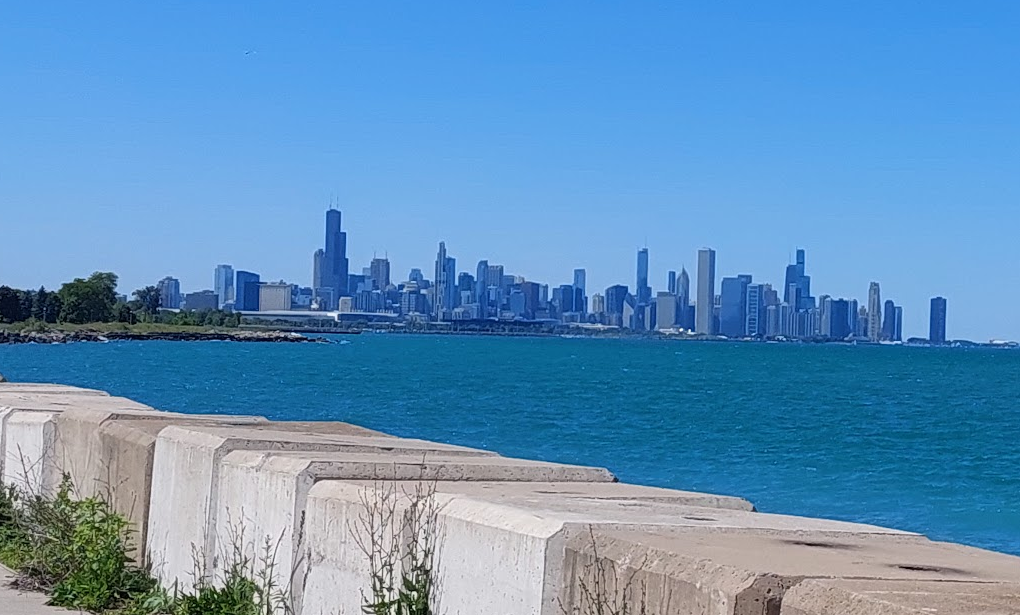
here is what the markdown for the previous photo looks like:

which seems fine, except that this is what the folder structure of this repo looks like (with some omissions for readability):
.
├── images
│   ├── 2025-03-30_16-37_chicago-skyline-biking.png
│   ├── frontispiece.jpg
│   └── illus_001.jpg
├── output
│   ├── images
│   │   ├── 2025-03-30_16-37_chicago-skyline-biking.png
│   │   ├── 2025-03-30_16-37_chicago-skyline-biking.thumbnail.png
│   ├── index.html
│   └── posts
│       ├── setting-up
│       ├── index.html
│       └── index.md
├── posts
│   └── 1.md
└── README.txt
i am writing from ./posts/1.md, and i am placing my image in ./images/.
after the build, my post is in ./output/posts/setting-up, and the image is in ./output/images/.
meaning that while in this markdown i can use intellisense to access the image with:
../images/2025-03-30_16-37_chicago-skyline-biking.png
however, because the image in the output build is in a different directory,
i need to add an additional ../ to the beginning of the image reference1.
anyway, this is more of a minor pet peeve, so it is fine i guess.
addendum 1
ok, i have another pet peev, this time with github pages.
for whatever reason, github pages only allows deployement from root or from /docs2?
so i had to change the output folder of this repo to docs, with the following addition to nikola's conf.py:
OUTPUT_FOLDER = 'docs'
addemdum 2
one last thing for this test post.
nikola came with a number of files in its demo. i deleted them manually, and then followed the instructions from the getting started page:
nikola check --clean-files
-
going on a tangent here, but i had to make the previous long directory reference into its own code block instead of an in-line reference because it was breaking the layout on mobile. i should keep this in mind for the future. ↩
-
at least according to the answer to this community question ↩
Comments